A growing collection of design skills for AI coding tools — Claude Code, Cursor, Codex, Windsurf, and anything else that reads a markdown rules file.
Each skill is a self-contained folder. Install the ones you need.
| Skill | What it does |
|---|---|
landing-page-design |
Builds a landing page from scratch — intake questions, page structure, conversion copy, plus a full visual system (type, spacing, radius, motion) |
figma-designer |
Designs inside Figma with real structure: spacing, radius and color variables, named text styles, auto layout, components with every state, and a Foundations frame that updates with the tokens |
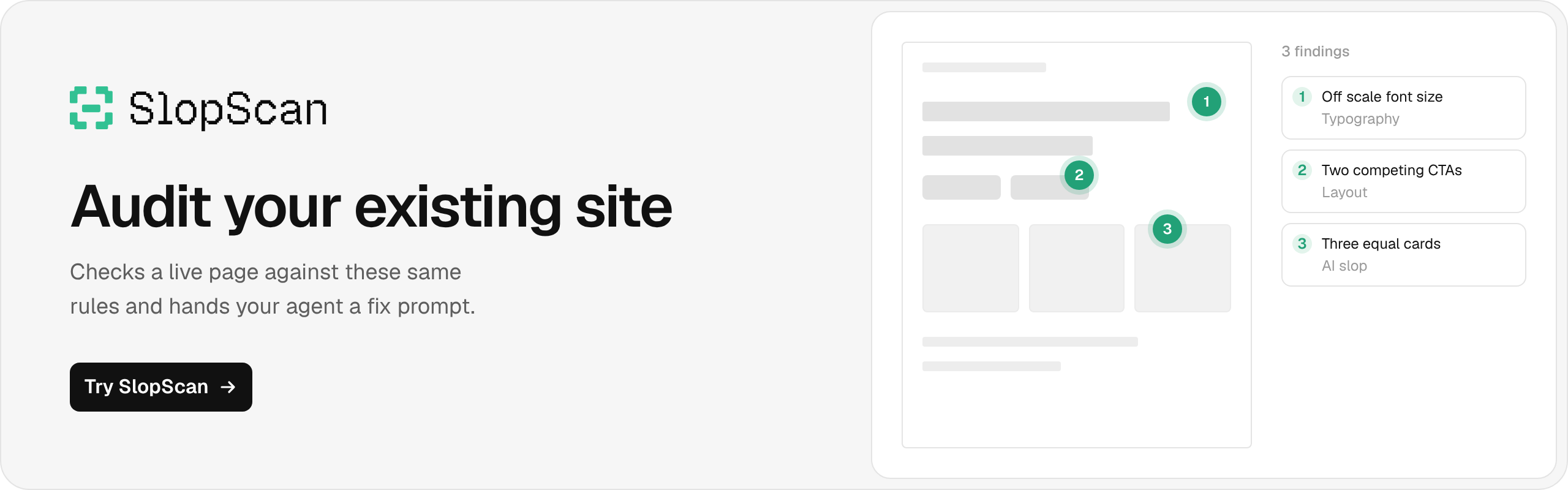
More on the way. Upgrading an existing site instead of building new? That one lives in its own repo since it predates this collection.
Uses the skills CLI. Needs Node.js.
npx skills add elayadesign/ai-design-skillsIt lists the skills in this repo and asks which ones to install and for which agents. Add flags to skip the prompts:
# one skill
npx skills add elayadesign/ai-design-skills --skill landing-page-design

# pick agents
npx skills add elayadesign/ai-design-skills -a claude-code -a cursor

# user-level instead of project-level
npx skills add elayadesign/ai-design-skills -g

# see what's available without installing
npx skills add elayadesign/ai-design-skills --list
Add -y to skip confirmations. Skills land in .claude/skills/ for Claude Code and .agents/skills/ for Cursor, Codex and other agents. Run npx skills update later to pull changes.
Then just ask, in plain language, for what the skill covers.
Manual install
Claude Code:
mkdir -p .claude/skills
git clone https://github.com/elayadesign/ai-design-skills.git /tmp/ai-design-skills
cp -r /tmp/ai-design-skills/skills/<skill-name> .claude/skills/
Cursor:
mkdir -p .cursor/rules
curl -o .cursor/rules/<skill-name>.md \
  https://raw.githubusercontent.com/elayadesign/ai-design-skills/main/skills/<skill-name>/SKILL.md
Or paste the file into Settings → Rules for AI.
Codex, Windsurf, other: copy the skill's SKILL.md into your tool's rules file.
| Tool | Path |
|---|---|
| Codex | AGENTS.md |
| Windsurf | .windsurfrules |
| Cline | .clinerules |
| Generic | paste into your system prompt |
Claude.ai (no terminal)
Download the skill's SKILL.md and upload it to a Project, or attach it to a chat and say "follow this."
Every skill's design values (fonts, colors, spacing, motion) live in one section near the bottom of its file. Fork this repo, edit that section, and the rest of the skill follows automatically.
landing-page-design adapts content realism and motion ideas from Leonxlnx/taste-skill by Leon Lin, MIT licensed. Details are at the end of its SKILL.md.
MIT. Use it, fork it, ship it, sell what you build with it. No attribution needed.