
English · 简体中文 · 日本語 · 한국어 · Русский
Terminal multiplexer for humans (and agents). Powered by Ghostty, inspired by herdr.
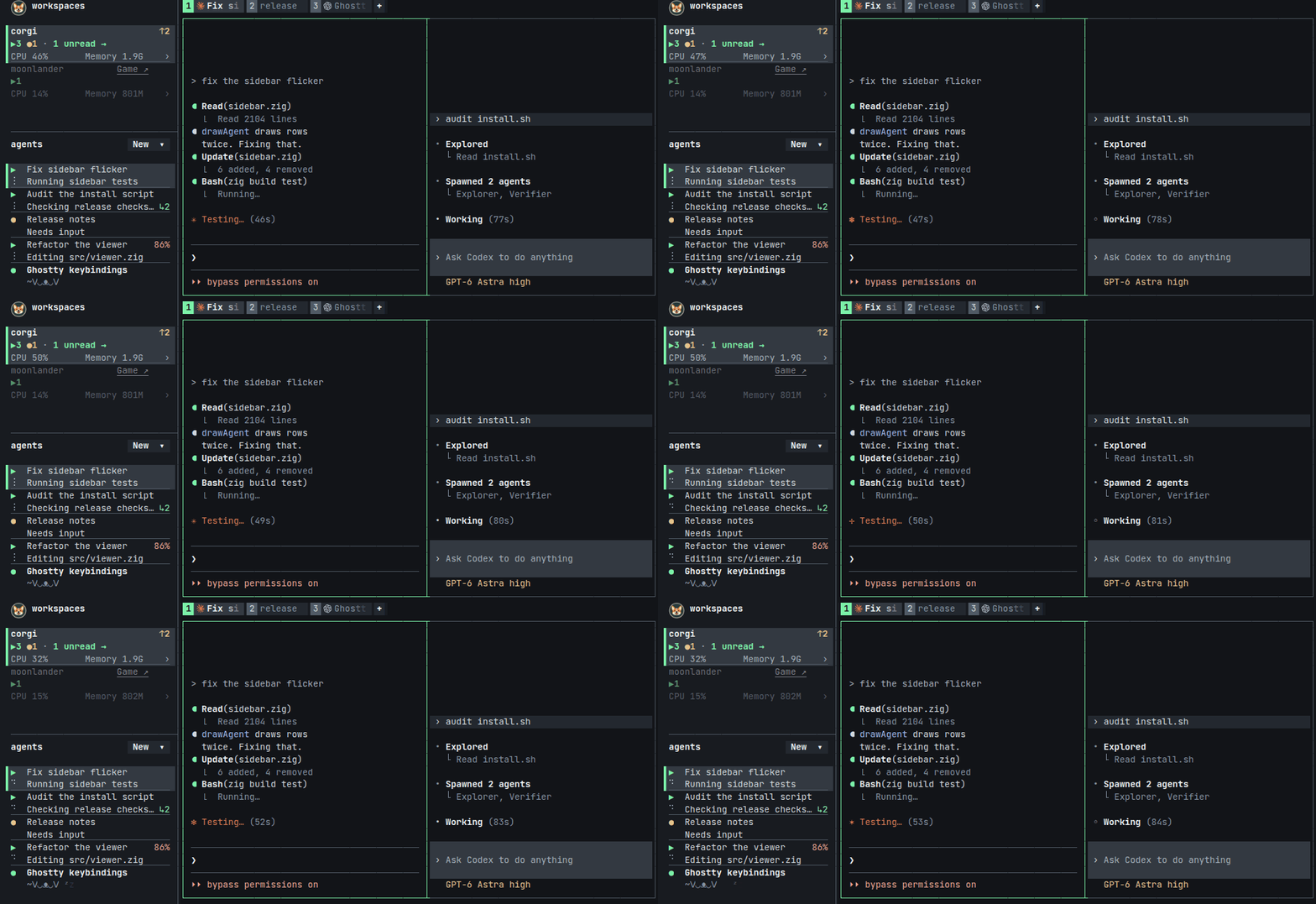
macOS (Apple Silicon) or Linux (amd64 or arm64):
curl -fsSL https://corgi.computer/install.sh | bashRun corgi in your project directory, choose a shortcut preset, and click
New to start an agent.
Press your prefix (Ctrl+B by default), then ? for shortcuts. Choose
Detach in that menu to leave agents running; run corgi to reconnect.
See the documentation for setup, workspaces and troubleshooting.
Corgi and its installer support English, 简体中文, 日本語, 한국어 and русский. Change the language in Corgi setup → Language.
Run claude, codex, pi, opencode or omp in any pane. Corgi detects
them automatically and installs hooks for Claude Code and Codex, or an
extension for Pi and Oh My Pi. OpenCode needs no setup. Codex asks you to
trust the hooks once, in /hooks.
| Claude Code | Codex | Pi | OpenCode | Oh My Pi | |
|---|---|---|---|---|---|
| Status: ▶ working ● needs you ● done | ✓ | ✓ | ✓ | ✓ | ✓ |
| Activity summaries | ✓ | ✓ | ✓ | ✓ | ✓ |
| Subagents | ✓ | ✓ | ✓ | ✓ | |
| Context, tokens and rate limits | ✓ | ✓ | ✓ | ✓ | ✓ |
| Rename and fork | ✓ | ✓ | ✓ | ✓ | ✓ |
| Resume after a crash or reboot | ✓ | ✓ | ✓ | ✓ | ✓ |
| Multiple accounts | ✓ | ✓ | ✓ |
Control the running session from any shell. Use --json for JSON output,
IDs from corgi list to target panes, or current for the pane you're in.
corgi list
corgi tab new --workspace 1 --command 'bun run dev'
corgi pane split current --right --command codex
corgi message 3 'run the tests'
corgi pane read 3 --lines 50
corgi --help lists the commands; corgi --skill prints instructions for agents.
curl -fsSL https://corgi.computer/install.sh | bash -s uninstallInstall Bun, then run:
./go.tsgo.ts downloads the pinned Zig toolchain, builds
and starts Corgi. Later runs reload changed builds while preserving panes.
See HACKING.md for the development workflow and architecture.
- Ghostty and Kitty: for their terminal emulation and graphics work.
- herdr: Corgi's main inspiration. We borrow many of their ideas.
- Pi: we use its pi-tui library.
- Bun: Corgi's TypeScript runtime.
Corgi would not have been possible without the support of our early testers and contributors: Max Bittker, Aaron Blakeman, Kai Johnson, Luke Alonso, Keith Adams and Roland Huß.
Corgi is released under the MIT License.
The notification sounds in assets/sounds/ come unchanged
from herdr and stay under herdr's
Apache License 2.0; see
their README.
corgi licenses prints these together with the licenses of the other
software Corgi includes, listed in assets/licenses.txt.