#切换到简体中文
QQ频道:https://pd.qq.com/s/fpap7qj2y
A professional UI engine for customization.
Panuon.WPF.UI allows you to achieve the desired UI effect with minimal code.
Do not directly upgrade from Panuon.UI.Silver 1.x version to Panuon.UI.Silver 2.2 or Panuon.WPF.UI 1.x version. There are significant differences in how these versions are used.
Since Panuon.UI.Silver 2.2.20, this library has been renamed Panuon.WPF.UI. For the specific upgrade method, please refer to this wiki document (currently only supports Chinese).
Only Chinese documentation is now available.
Chinese Wiki Document


xmlns:pu="https://opensource.panuon.com/wpf-ui"
···

<pu:StyleDictionary Includes="All" />
2. Use attached properties like Material Design does, although there is no relationship between the two libraries
xmlns:pu="https://opensource.panuon.com/wpf-ui"
...

<Button Width="150"
        Height="35"
        Background="#6CBCEA"
        pu:ButtonHelper.CornerRadius="5"
        pu:ButtonHelper.HoverBackground="#6CA3EA"
        pu:ButtonHelper.ClickBackground="#83A6D4" />
xmlns:pu="https://opensource.panuon.com/wpf-ui"
...

<!--Don't add <pu:StyleDictionary Includes="All" />-->
<pu:KeyOnlyStyleDictionary Includes="Button,TextBox" />
xmlns:pu="https://opensource.panuon.com/wpf-ui"
...

<Button Width="150"
        Height="35"
        Style="{StaticResource {x:Static pu:StyleKeys.ButtonStyle}}"
        Background="#6CBCEA"
        pu:ButtonHelper.CornerRadius="5"
        pu:ButtonHelper.HoverBackground="#6CA3EA"
        pu:ButtonHelper.ClickBackground="#83A6D4" />
These pages were included in the Samples project. Download this repository to get the source code.
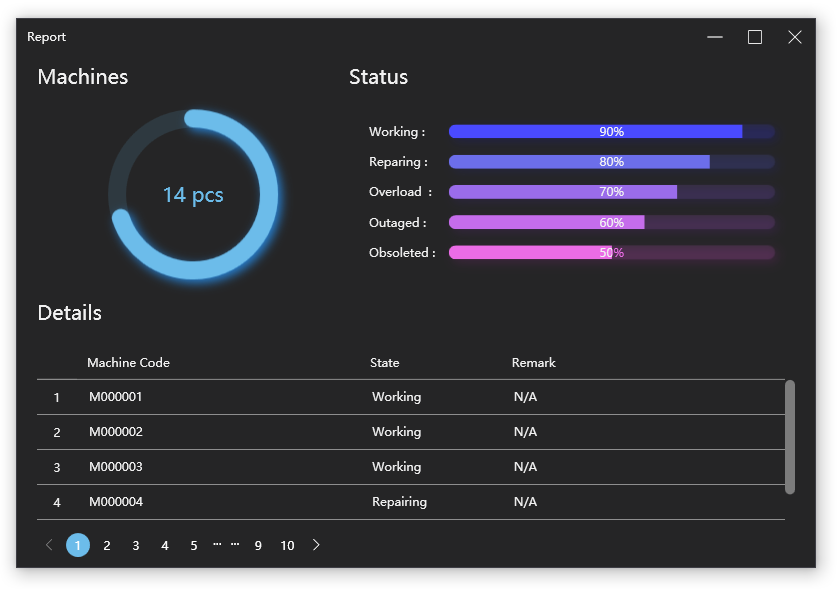
Samples/Views/Examples/ReportView.xaml
261 code lines to implement this page in Panuon.WPF.UI.
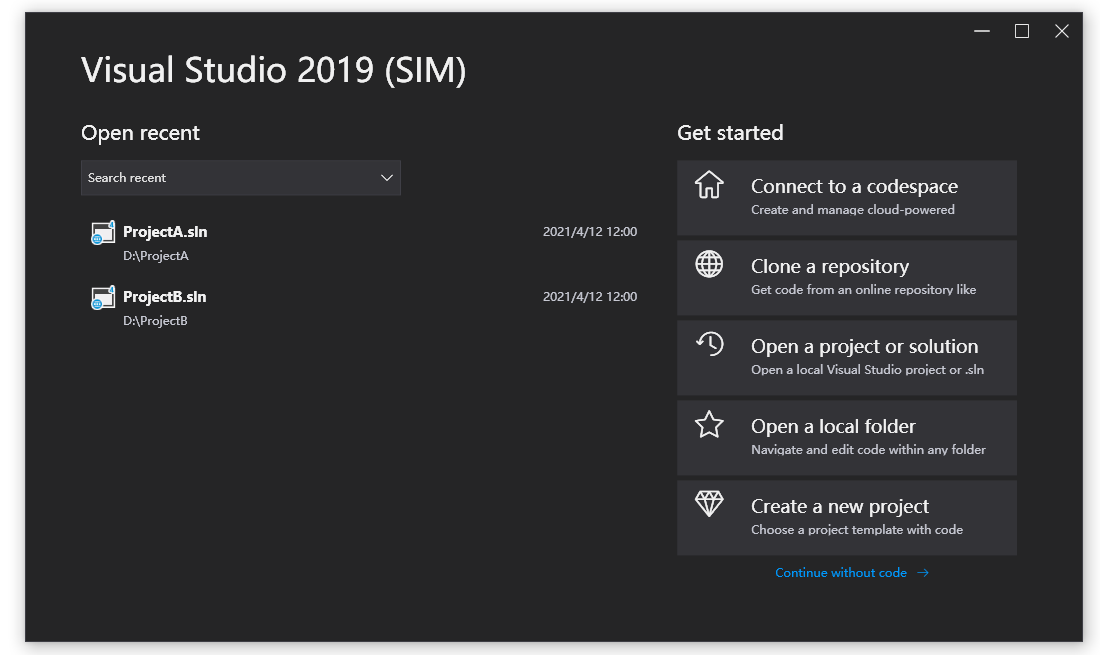
Samples/Views/Examples/VisualStudio2019View.xaml
293 code lines to implement this page in Panuon.WPF.UI.
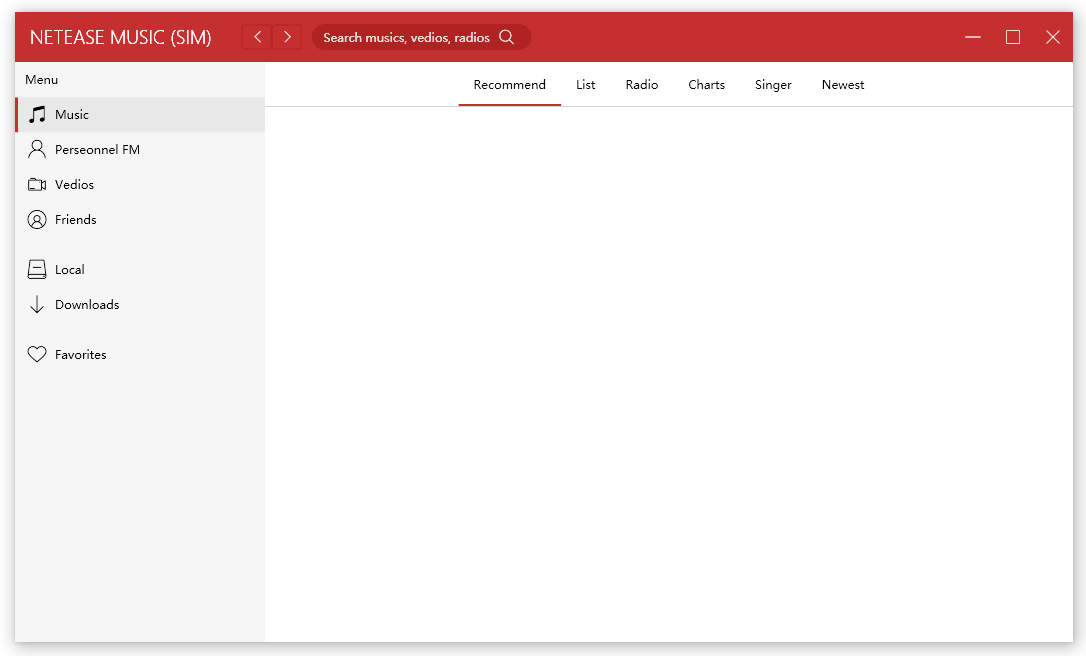
Samples/Views/Examples/NeteaseMusicView.xaml
272 code lines to implement this page in Panuon.WPF.UI.
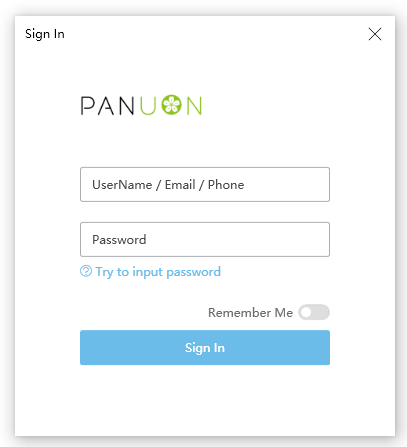
Samples/Views/Examples/SignInView.xaml
187 code lines to implement this page in Panuon.WPF.UI.