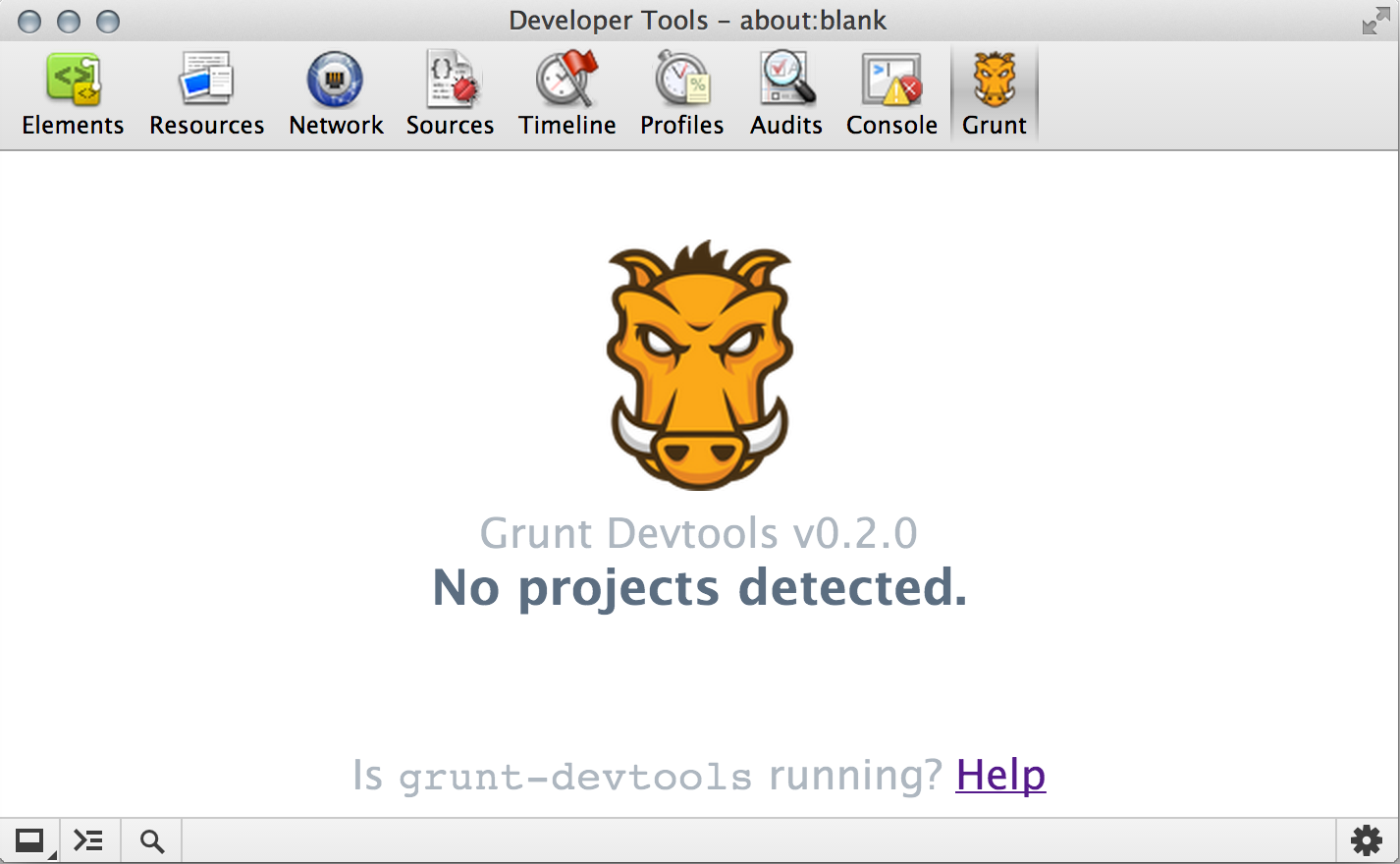
Grunt Task Runner Extension for Chrome Developer Tools and Adobe Brackets
- Download the Grunt Devtools extension for Chrome Developer Tools from the Chrome Web Store.
- Global Install (Want a local plugin install? See local setup).
npm install -g grunt-devtools- run
grunt-devtoolsin a directory with a Gruntfile!
- open Chrome Dev tools, find the Grunt tab. Your grunt tasks should now be accessible from Chrome.


npm install grunt-devtoolsin your grunt project- Add
grunt.loadNpmTasks('grunt-devtools');to yourGruntfile - run
grunt devtools - open Chrome Dev tools, find the Grunt tab. Your grunt tasks should now be accessible from Chrome.
- Chrome extension updates automatically or you can force an update under
chrome://extensions - Grunt plugin updates using
npm install grunt-devtools@latest - The versions of the plugin and extension should always match (
0.2.1in Chrome is0.2.1on npm)

If you experience issues, perform an update first.
If issues still occur - report it or ask for help in the #grunt irc channel on Freenode
See the CHANGELOG for release history . See the contributing guide for local development instructions.