
An AI agent that applies to jobs for you, using the Claude or Codex subscription you already have.



Open JobPilot → · Docs · How it works · Changelog
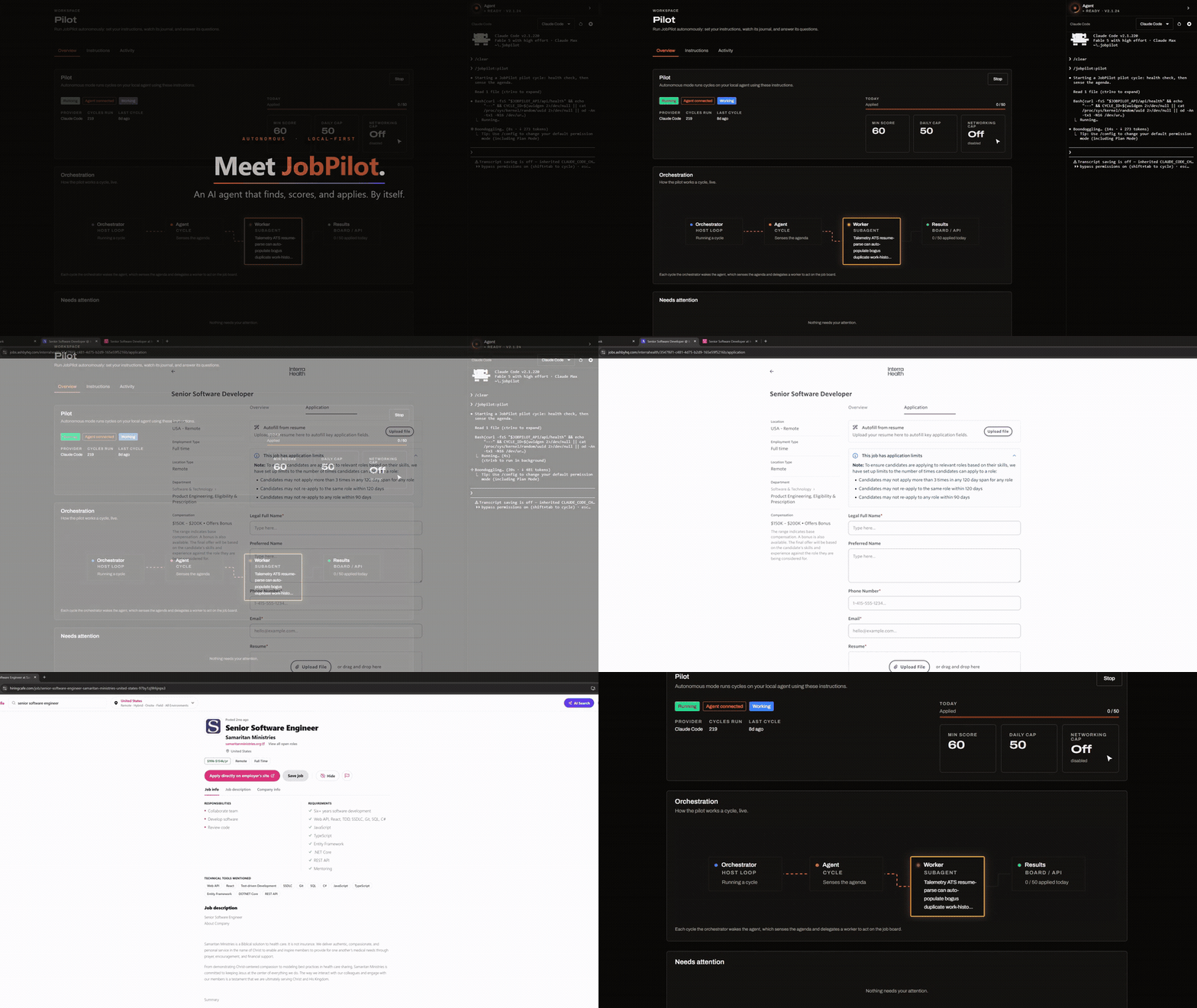
JobPilot finds jobs that fit you, tailors your resume for each one, fills in the application, and writes to recruiters. You describe what you want once. The Pilot, an assistant on the JobPilot website, keeps the search going and asks you when it needs a decision.
The agent runs on your computer, inside Claude Code or Codex, in a browser window signed in as you. There's no API key and no usage bill. You can watch it work or check the results later.
- Finds and applies. Searches LinkedIn, Indeed, Hiring Cafe and other boards, plus any site you add. Scores each job against your resume and applies to the good matches, up to your daily limit. Answers screening questions and writes cover letters.
- Takes instructions in plain words. "Skip jobs that need a security clearance" or "look for remote roles too". Every change it makes has Undo.
- Asks before it acts on your behalf. Salary questions, login codes, and messages to send wait in a Needs you list, with optional push notifications to your phone.
- Tracks replies. With Gmail connected, it matches recruiter emails to your applications and suggests the new status.
- Reaches out. Finds the recruiter or hiring manager for a job and drafts a personal email or LinkedIn message.
- Works on Upwork. Skips clients who rarely hire, drafts proposals, and collects invitations, offers, and messages.
You need a Claude Code or Codex subscription and Node.js 22 or newer.
Claude Code: run these in a Claude Code session:
/plugin marketplace add https://github.com/suxrobGM/claude-plugins
/plugin install jobpilot@sukhrob-claude-plugins
/jobpilot:setup
Codex: run these in a terminal, then run $setup in a new Codex session:
codex plugin marketplace add suxrobGM/codex-plugins
codex plugin add jobpilot@sukhrob-codex-plugins
Setup installs the terminal host (the small program that runs the agent), starts it, and opens JobPilot. Then:
- Create an account and upload your resume. The agent reads it and fills in your profile.
- On the Pilot page, tell it what jobs you want, then turn on Autopilot.
Setup is the only command you type. Everything else starts from the website. Run setup again any time to update or repair the install.
The getting started guide covers each step.
Install the terminal host without the plugin
The host ships with all the skills, so the marketplace plugin is only needed for the first setup. To install or repair the host directly:
-
Windows (PowerShell):
irm https://raw.githubusercontent.com/suxrobGM/jobpilot/main/apps/terminal/install.ps1 | iex
-
macOS / Linux:
curl -fsSL https://raw.githubusercontent.com/suxrobGM/jobpilot/main/apps/terminal/install.sh | bash
Buttons on the website ask the Pilot for work, and it runs next on your
agent. You can also type a skill in the terminal yourself, like
/jobpilot:search or /jobpilot:apply <link> ($search, $apply in
Codex). The skills guide lists
every button and skill.
- User guide: setup, the Pilot, skills, email, credentials, FAQ.
- How JobPilot works: the website, the agent, and the terminal host, in plain language.
- Development guide: running JobPilot locally and the technical details.
MIT. The humanizer skill in plugin/skills/humanizer/ is adapted from blader/humanizer (MIT) and keeps its own LICENSE file.